

How to check if your new iPhone 18 Pro is genuine or fake
With fake iPhones flooding the market, here are simple checks buyers can do in Settings and on the box before trusting a new iPhone 18 Pro.
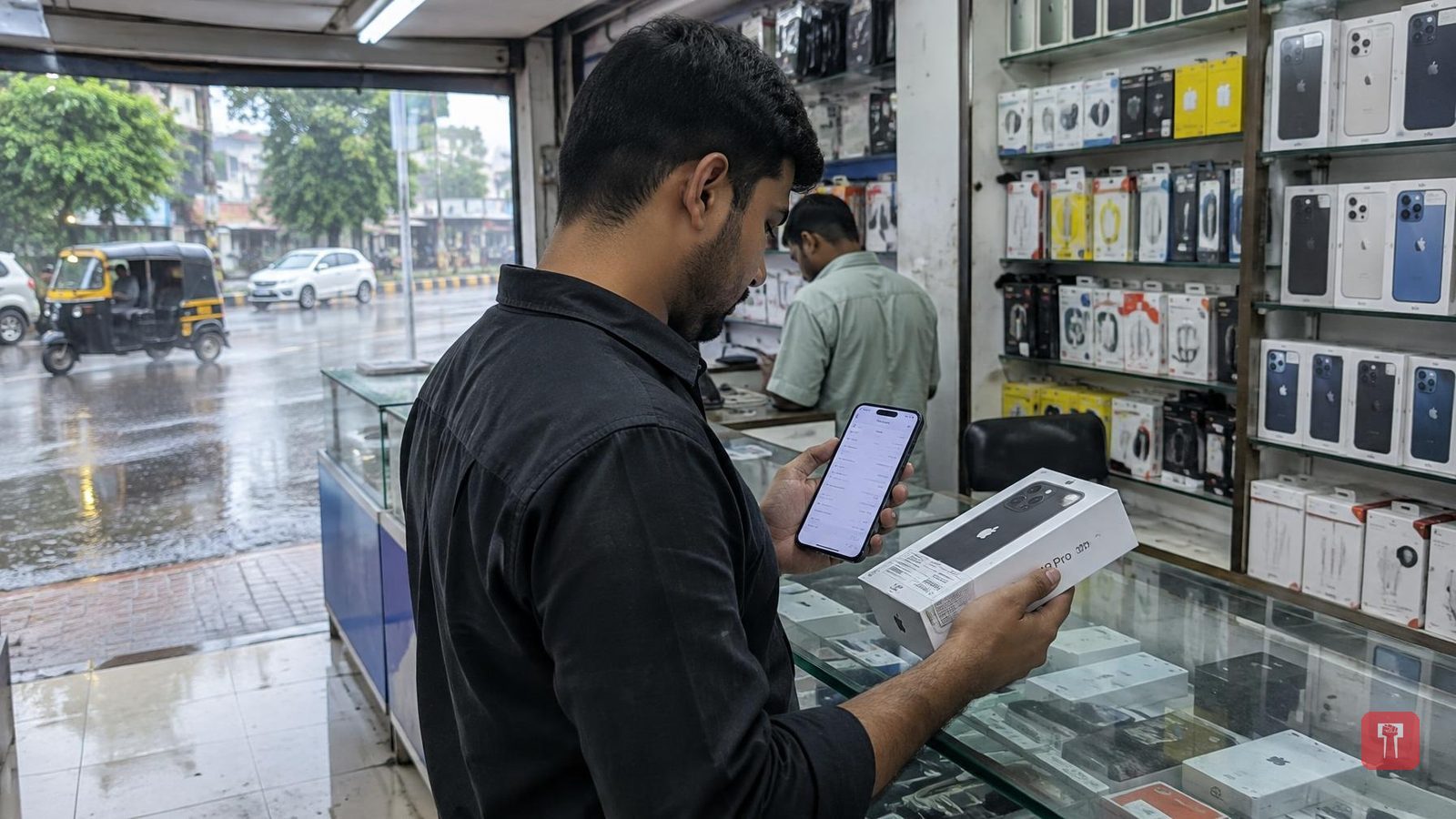
Apple's new iPhone 18 Pro and iPhone 18 Pro Max have gone on sale in India, and many buyers who pre ordered the phones have already received them. After spending so much on a phone, one thing buyers should always do is check whether the device is genuine or a duplicate.
Fake phones have become common in the market. From the outside, they can look exactly like a genuine iPhone, with the same box, logo and design, making it hard to tell at first glance that a phone is fake. Buyers are advised not to judge a phone by its looks alone, since a fake device bought for lakhs of rupees would mean a complete loss of money. Extra caution is advised while buying a second hand phone or buying from a small shop. Here are some simple ways to check if a phone is genuine.
First, turn on the phone and go to Settings, then General, then About. This screen shows details such as the model name, model number, serial number, IMEI number, iOS version and storage capacity. If a different operating system or an unusual looking interface appears here, that is a warning sign. A genuine iPhone runs only iOS, so if something resembling Android shows up, the phone is fake.
Every iPhone has a unique IMEI number, visible under About. This number can be noted down and checked on Apple's official website, which will confirm whether the phone is genuine and show its warranty status. If the number does not show up on the website at all, the phone is fake. The IMEI and serial number are also printed on the box, and buyers should check that the number on the box matches the number inside the phone. If the two do not match, the phone may have been repacked.
When buying a new phone, the box itself should also be checked carefully. Apple's packaging is premium and the printing is very clean. If the text on the box is blurred, has spelling mistakes, or the box is torn or damaged, buyers should be cautious. A good looking box does not necessarily mean the phone is genuine, since fake boxes are now made to look very good too. It is important to check whether the information printed on the box matches the information inside the phone.
The biggest giveaway in a fake iPhone is usually the camera. The iPhone 18 Pro's camera produces very clear results, so poor quality photos or videos could indicate a fake device. Buyers can also test Siri by saying "Hey Siri"; if Siri does not respond correctly or does not work at all, the device is not a genuine iPhone. The phone's speed should also be checked, since a genuine iPhone never hangs. Slow performance or apps taking time to open should raise suspicion.
For those buying a used phone, Settings has an option called Parts and Service History, which shows whether any part of the phone has been replaced, and whether the battery, display or camera are genuine or duplicate replacements. Buyers are advised not to rush the purchase and to spend ten minutes checking all these details after buying a phone, to avoid losing lakhs of rupees and the mental stress that comes with it.
